|
Ink Side
Coated side out (CSO)
|
Printer Technology
Thermal Transfer
Direct Thermal
|
||||||||
|
|
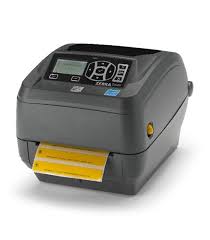
Thermal Transfer Ribbon Supplies for Zebra ZD500 Thermal Printer Printer
Wolfbarco offers four grades thermal transfer ribbons, general purpose wax, premium wax, wax/resin and resin. It is critical to choose the appropriate grade of ribbon for your printing needs.
Ribbon
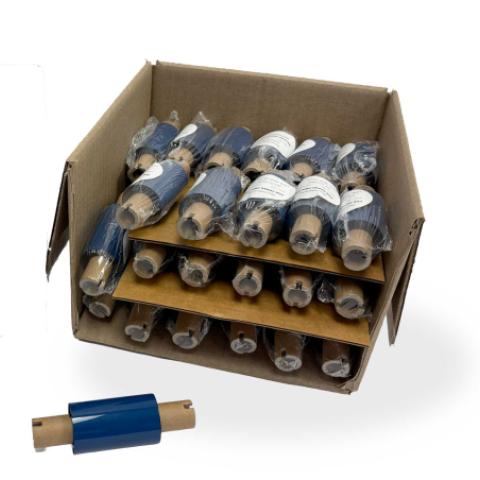
Cera premium reforzada con resina
2.24" x 243' (57mm x 74m) Cinta de transferencia térmica premium de cera reforzada con resina
$1.07
per roll
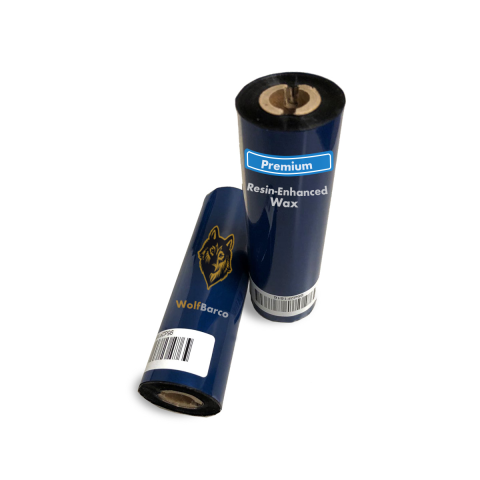
Cera premium reforzada con resina
2.24" x 243' (57mm x 74m) Cinta de transferencia térmica premium de cera reforzada con resina
$1.07
per roll
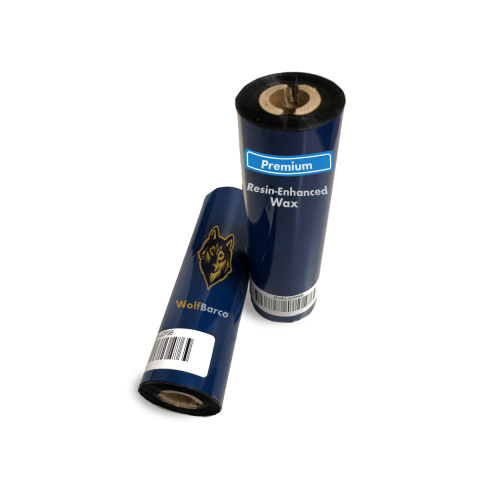
Premium Resin-Enhanced Wax
Ink Side: Outside
Core Size: 1/2"
$1.20
per roll
Cera premium reforzada con resina
Ink Side: Outside
Core Size: 1/2"
$1.20
per roll
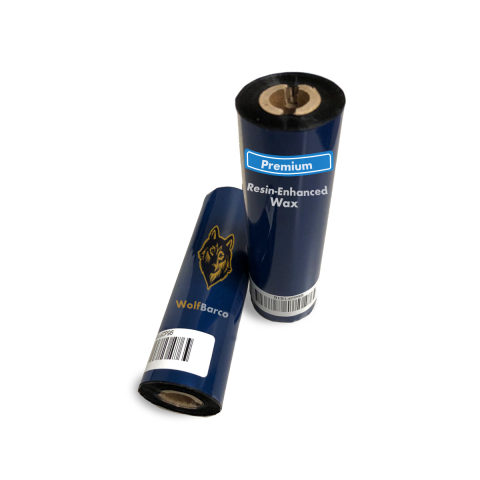
Premium Resin-Enhanced Wax
Ink Side: Outside
Core Size: 1/2"
$1.58
per roll
Cera premium reforzada con resina
Ink Side: Outside
Core Size: 1/2"
$1.58
per roll
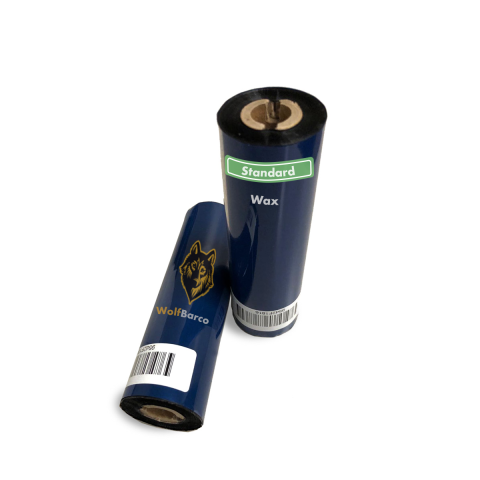
General Purpose Wax
Ink Side: Outside
Core Size: 1/2"
$1.65
per roll
Cera de uso general
Ink Side: Outside
Core Size: 1/2"
$1.65
per roll
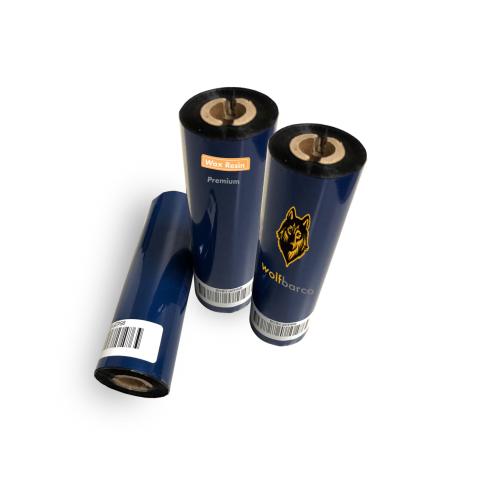
Standard Wax/Resin
Ink Side: Outside
Core Size: 1/2"
$3.74
per roll
Cera/resina estándar
Ink Side: Outside
Core Size: 1/2"
$3.74
per roll
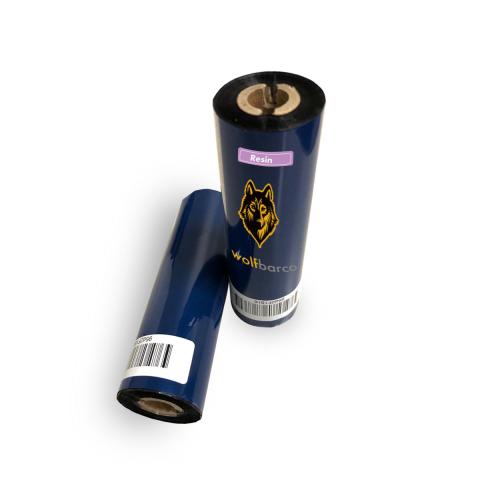
Standard Resin
Ink Side: Outside
Core Size: 1/2"
$5.41
per roll
Resina estándar
Ink Side: Outside
Core Size: 1/2"
$5.41
per roll
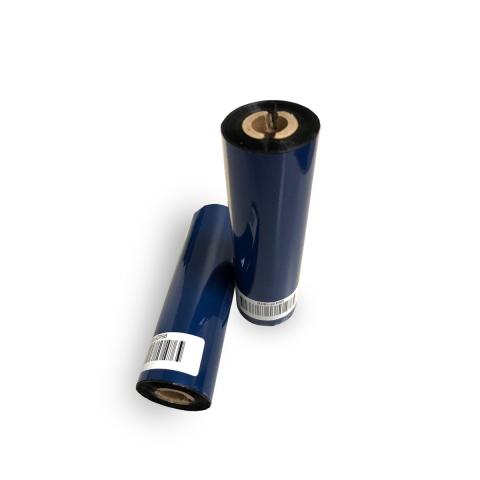
Solvent Resistant
Ink Side: Outside
Core Size: 1/2"
$5.44
per roll
Resistente a solventes
Ink Side: Outside
Core Size: 1/2"
$5.44
per roll
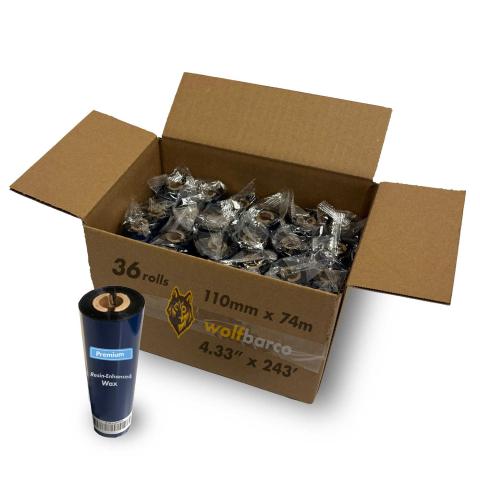
Thermal Transfer Ribbon
Ink Side: Outside
Core Size: 1/2"
$1.80
per roll
Cinta de transferencia térmica
Ink Side: Outside
Core Size: 1/2"
$1.80
per roll
Thermal Transfer Ribbon
Ink Side: Outside
Core Size: 1/2"
$1.94
per roll
Cinta de transferencia térmica
Ink Side: Outside
Core Size: 1/2"
$1.94
per roll
Label
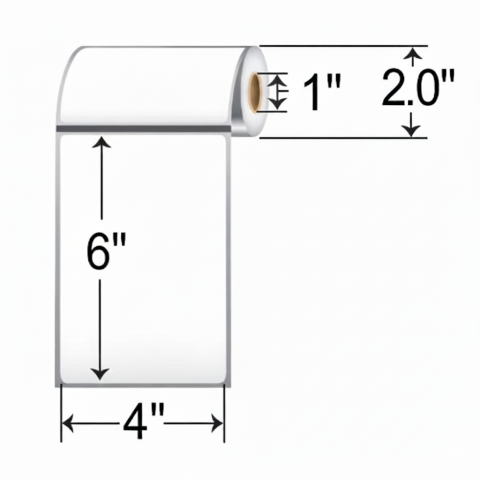
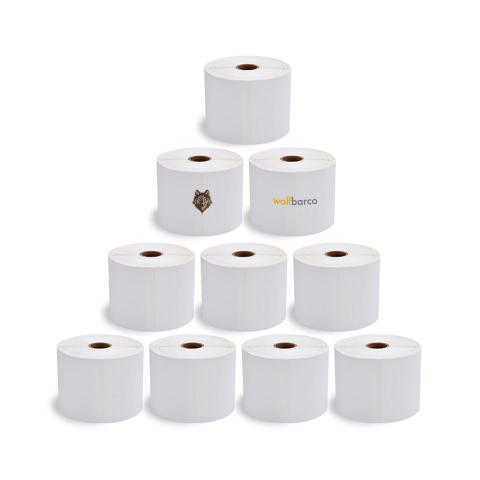
Labels
$29.99
per roll
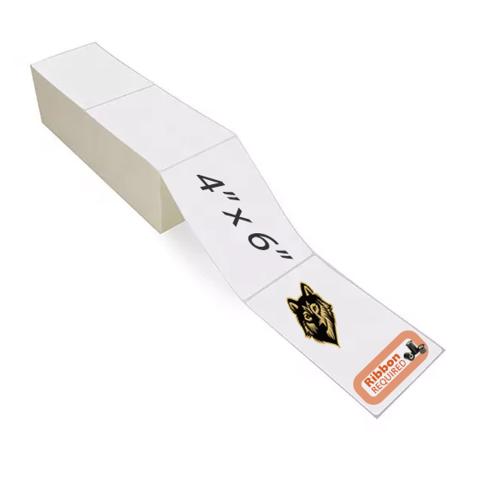
Labels
$7.80
per roll
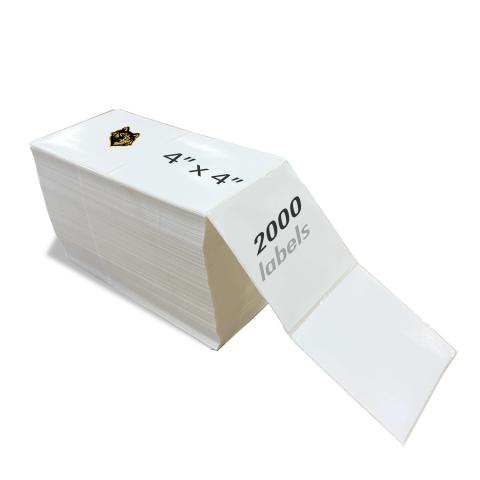
Labels
$25.28
per roll
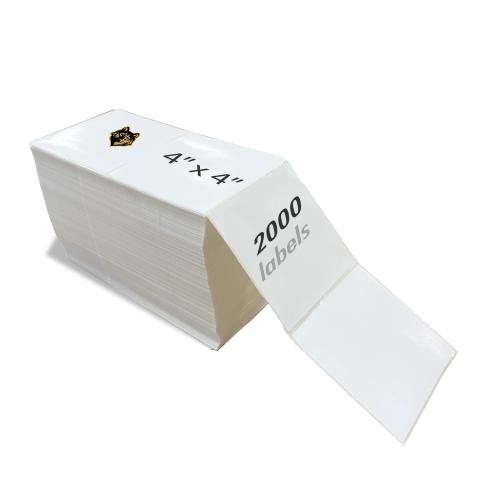
Thermal Transfer Label
$19.82
per roll
Thermal Transfer Label
$20.14
per roll
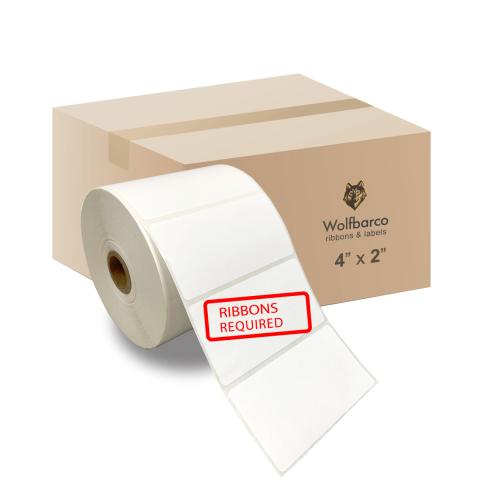
Thermal Transfer Label
$8.15
per roll
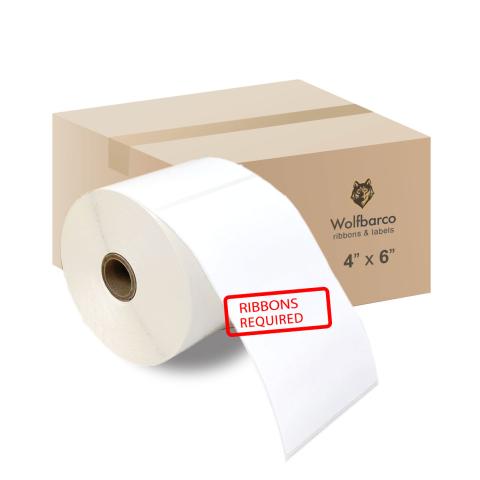
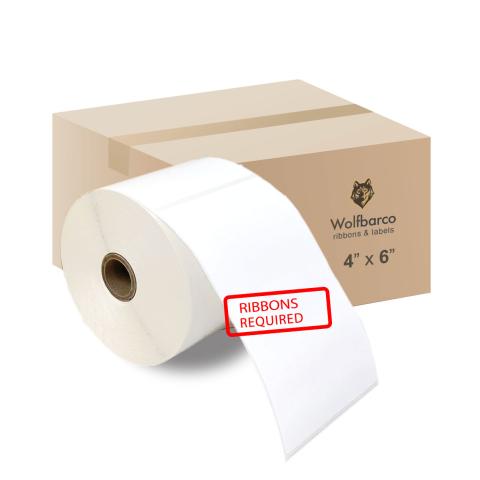
FAQ for Zebra ZD500 Thermal Printer Ribbons
What ribbon sizes are compatible with Zebra ZD500?
What ribbon sizes are compatible with Zebra ZD500?
The Zebra ZD500 accepts ribbon widths from 1.33" ~ 4.3" (33.8mm ~ 109mm). Standard lengths include 74 meters. Choose a ribbon at least 0.5" wider than your labels for optimal coverage.
What types of ribbons work with Zebra ZD500?
What types of ribbons work with Zebra ZD500?
The Zebra ZD500 supports three ribbon types:
- Wax: Most economical. Best for paper labels and indoor use.
- Wax-Resin: Better durability and scratch resistance. Good for synthetic labels.
- Resin: Maximum durability for harsh environments and polyester labels.
Choose based on your label material and durability needs.
How do I calibrate the Zebra ZD500?
How do I calibrate the Zebra ZD500?
If your Zebra ZD500 is skipping labels or printing incorrectly, calibration is needed:
- Turn off the printer
- Press and hold FEED button while turning on
- Wait for the status light to flash
- Release - the printer will feed labels to calibrate
This teaches the printer to detect label size and gaps. Calibrate when changing label sizes.