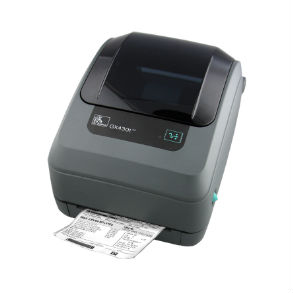
Zebra GX430t Thermal Printer Ribbons - Wax, Wax/Resin & Resin
The Zebra GX430T Label Printer has a sleek and compact design, boasts the easiest ribbon loading system on the market, and supports a variety of applications and industries.
|
Ink Side
Coated side out (CSO)
|
Printer Technology
Thermal Transfer
Direct Thermal
|
||||||||
|
|
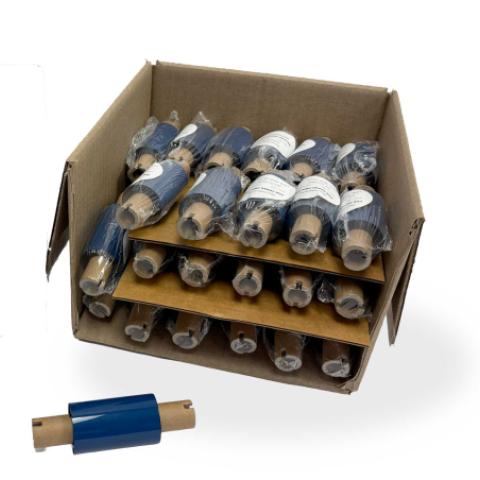
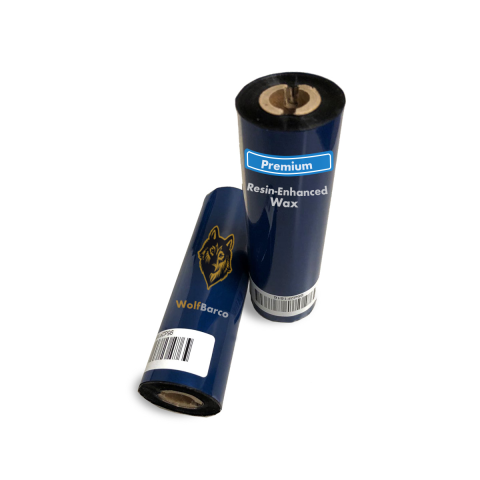
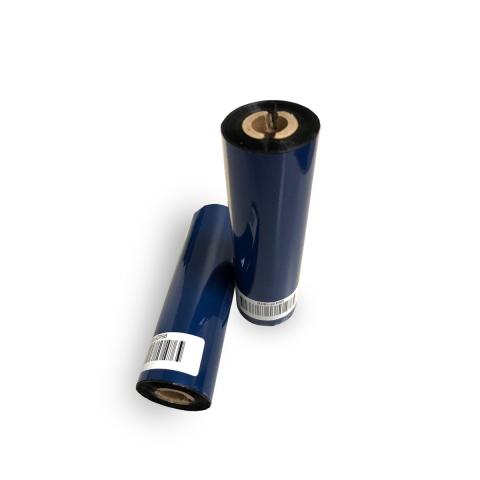
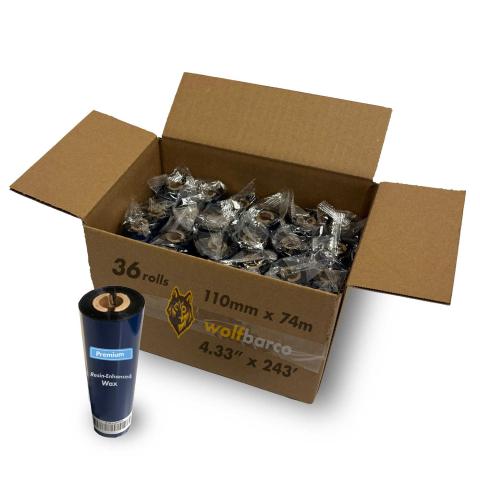
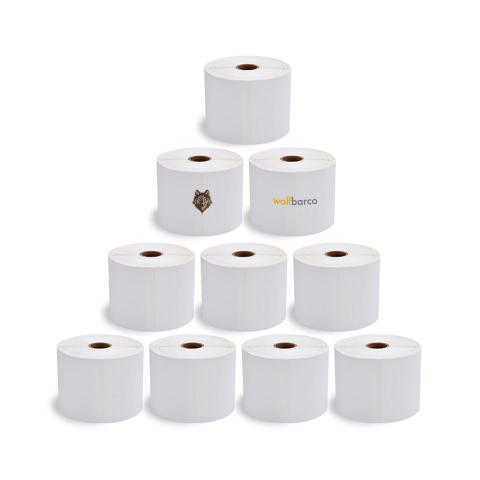
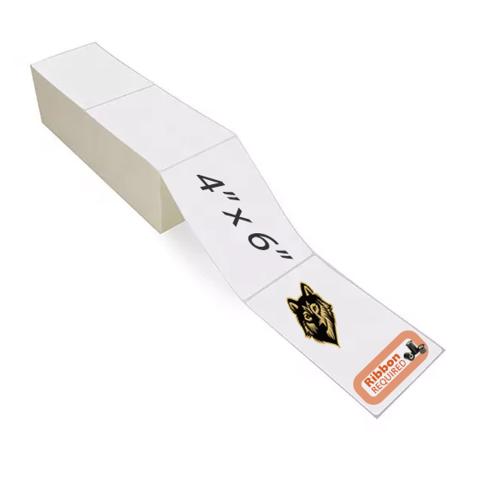
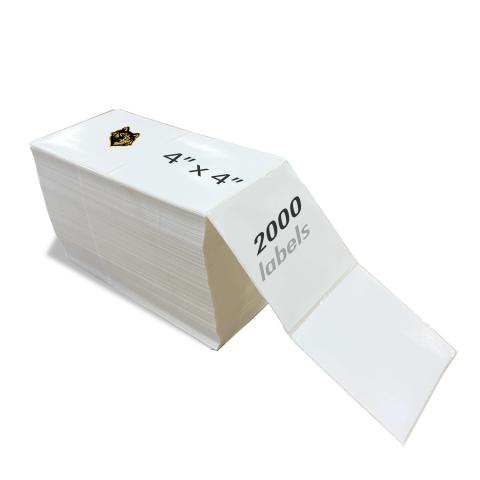
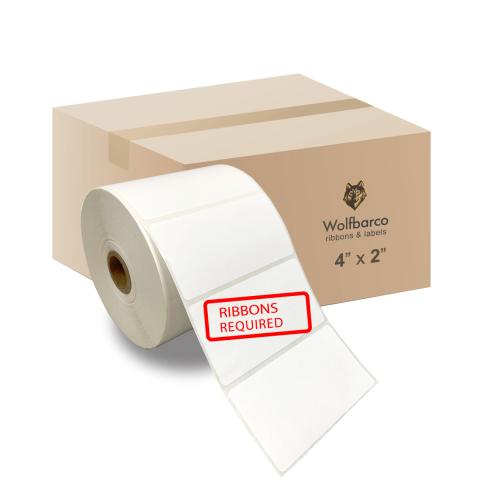
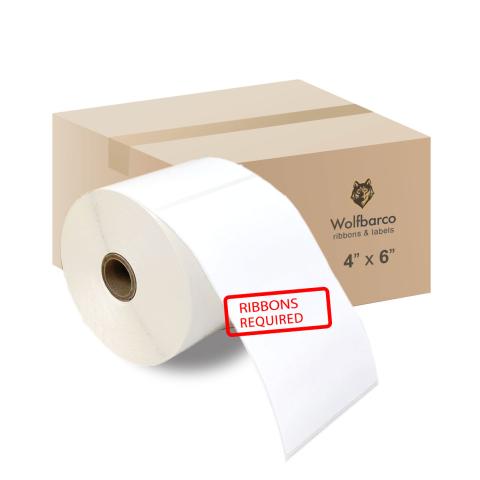
Thermal Transfer Ribbon Supplies for Zebra GX430t Thermal Printer Printer
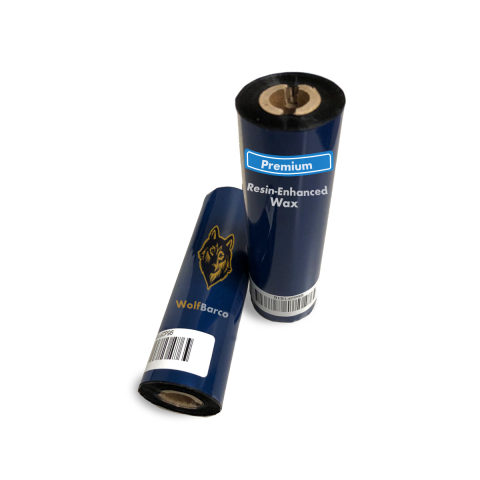
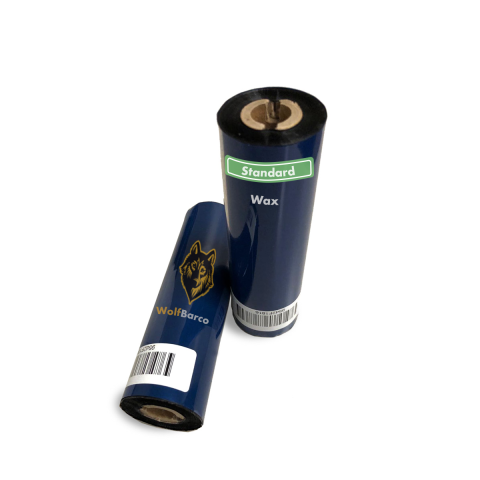
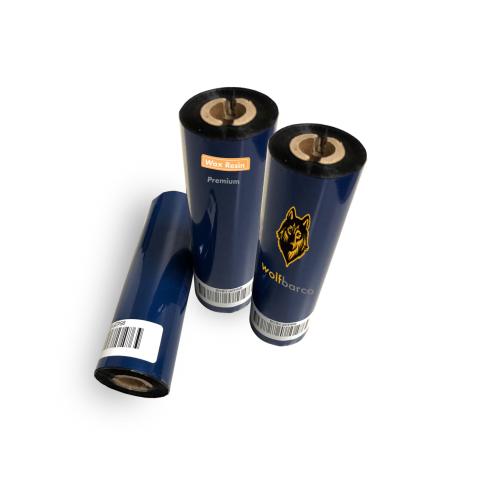
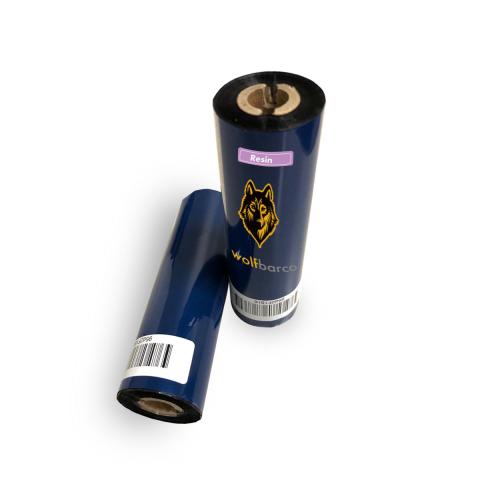
Ribbon
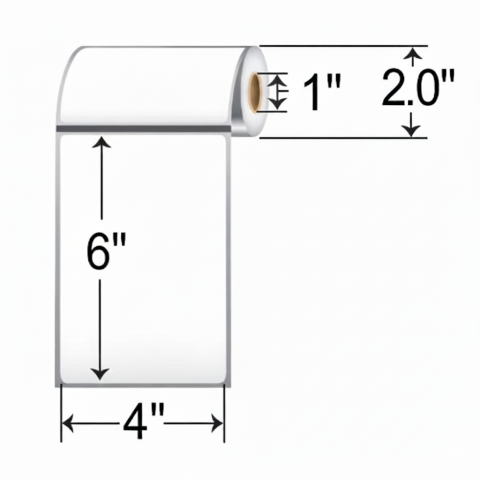
Label
FAQ for Zebra GX430t Thermal Printer Ribbons
What ribbon sizes are compatible with Zebra GX430t?
What ribbon sizes are compatible with Zebra GX430t?
The Zebra GX430t accepts ribbon widths from 1.33" ~ 4.30" (33.8mm ~ 109mm). Standard lengths include 74 meters. Choose a ribbon at least 0.5" wider than your labels for optimal coverage.
What types of ribbons work with Zebra GX430t?
What types of ribbons work with Zebra GX430t?
The Zebra GX430t supports three ribbon types:
- Wax: Most economical. Best for paper labels and indoor use.
- Wax-Resin: Better durability and scratch resistance. Good for synthetic labels.
- Resin: Maximum durability for harsh environments and polyester labels.
Choose based on your label material and durability needs.
How do I calibrate the Zebra GX430t?
How do I calibrate the Zebra GX430t?
If your Zebra GX430t is skipping labels or printing incorrectly, calibration is needed:
- Turn off the printer
- Press and hold FEED button while turning on
- Wait for the status light to flash
- Release - the printer will feed labels to calibrate
This teaches the printer to detect label size and gaps. Calibrate when changing label sizes.