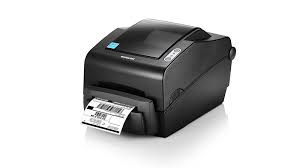
Bixolon SLP-TX400 Thermal Printer Ribbons - Wax, Wax/Resin & Resin
|
Ink Side
Coated side out (CSO)
|
Printer Technology
direct-thermal
thermal-transfer
|
||||||||
|
|
Thermal Transfer Ribbon Supplies for Bixolon SLP-TX400 Thermal Printer Printer
Wolfbarco offers four grades thermal transfer ribbons, general purpose wax, premium wax, wax/resin and resin. It is critical to choose the appropriate grade of ribbon for your printing needs.
Ribbon
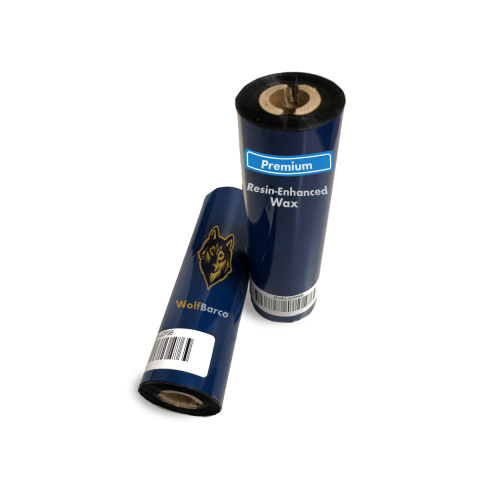
Premium Resin-Enhanced Wax
Ink Side: Outside
Core Size: 1/2"
$1.20
per roll
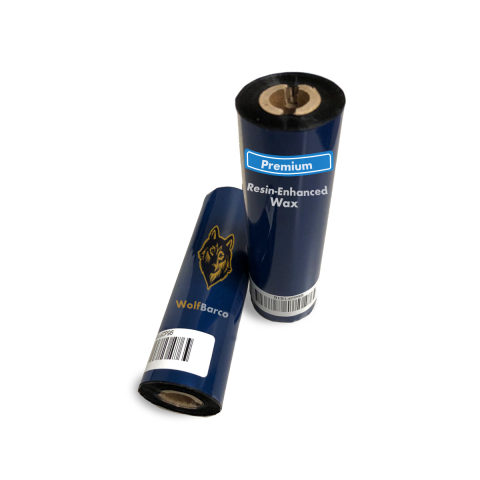
Premium Resin-Enhanced Wax
Ink Side: Outside
Core Size: 1/2"
$1.58
per roll
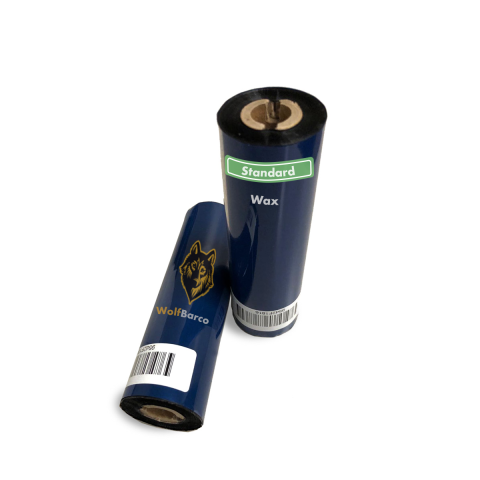
General Purpose Wax
Ink Side: Outside
Core Size: 1/2"
$1.65
per roll
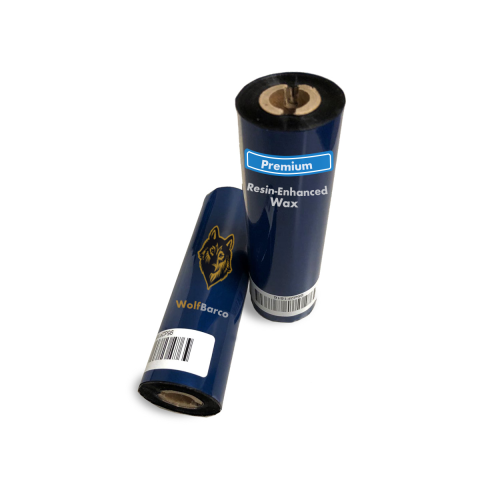
Premium Resin-Enhanced Wax
Ink Side: Outside
Core Size: 1/2"
$1.80
per roll
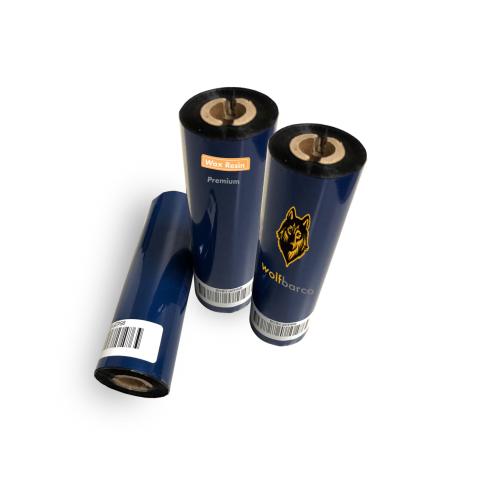
Standard Wax/Resin
Ink Side: Outside
Core Size: 1/2"
$3.74
per roll
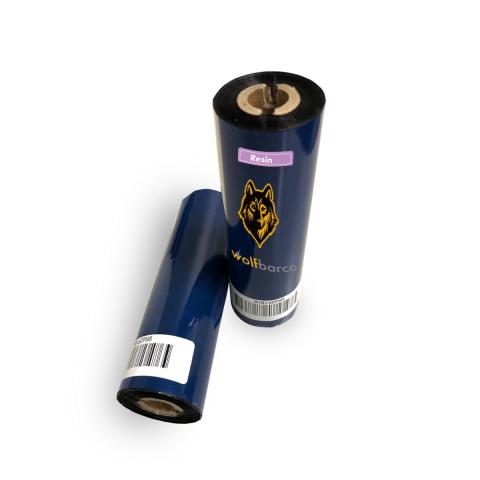
Standard Resin
Ink Side: Outside
Core Size: 1/2"
$5.41
per roll
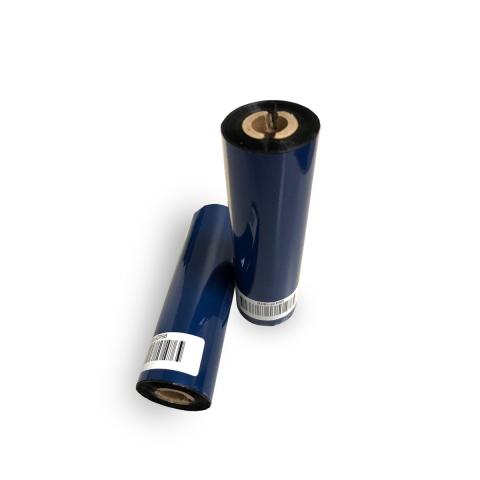
Solvent Resistant
Ink Side: Outside
Core Size: 1/2"
$5.44
per roll
Thermal Transfer Ribbon
Ink Side: Outside
Core Size: 1/2"
$1.94
per roll
Label
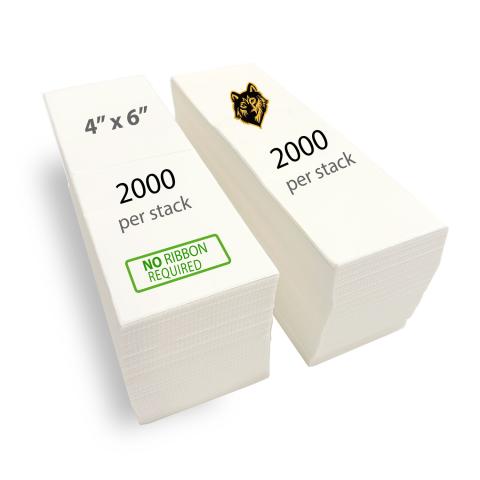
Direct Thermal Label
$29.99
per roll
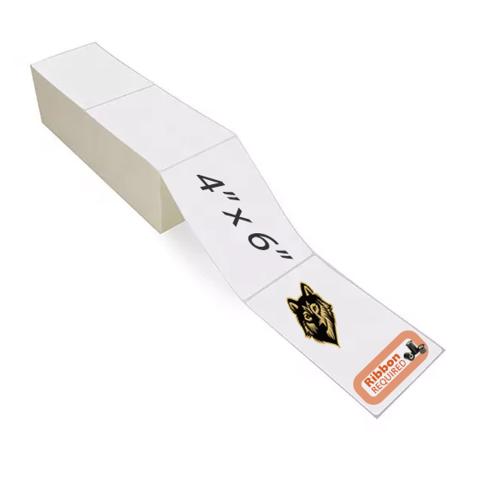
Thermal Transfer Label
$25.28
per roll
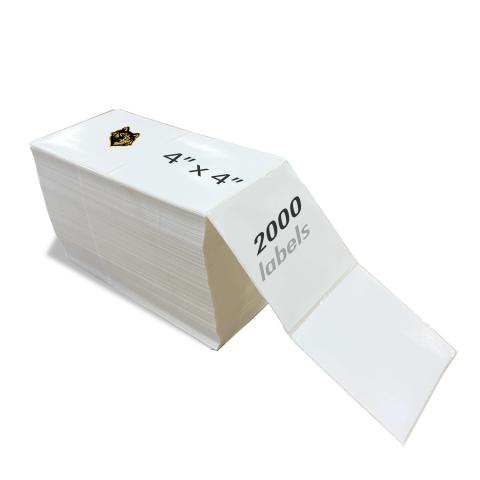
Thermal Transfer Label
$19.82
per roll
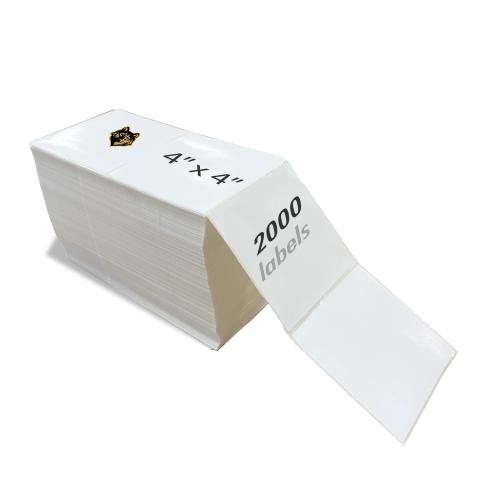
Thermal Transfer Label
$20.14
per roll
FAQ for Bixolon SLP-TX400 Thermal Printer Ribbons
What ribbon sizes are compatible with Bixolon SLP-TX400?
What ribbon sizes are compatible with Bixolon SLP-TX400?
The Bixolon SLP-TX400 accepts ribbon widths from 1.30" ~ 4.33" (33mm ~ 110mm). Standard lengths include 300 meters. Choose a ribbon at least 0.5" wider than your labels for optimal coverage.
What types of ribbons work with Bixolon SLP-TX400?
What types of ribbons work with Bixolon SLP-TX400?
The Bixolon SLP-TX400 supports three ribbon types:
- Wax: Most economical. Best for paper labels and indoor use.
- Wax-Resin: Better durability and scratch resistance. Good for synthetic labels.
- Resin: Maximum durability for harsh environments and polyester labels.
Choose based on your label material and durability needs.
How do I calibrate the Bixolon SLP-TX400?
How do I calibrate the Bixolon SLP-TX400?
If your Bixolon SLP-TX400 is skipping labels or printing incorrectly, calibration is needed:
- Turn off the printer
- Press and hold FEED button while turning on
- Wait for the status light to flash
- Release - the printer will feed labels to calibrate
This teaches the printer to detect label size and gaps. Calibrate when changing label sizes.