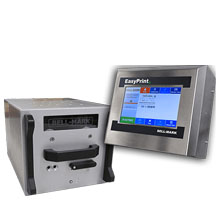
Bell-Mark EasyPrintIII Thermal Printer Ribbons - Wax, Wax/Resin & Resin
A flexible thermal transfer overprinter designed for intermittent and continuous packaging lines, delivering 300 dpi printing at speeds up to 800 mm/sec (31.50 ips) depending on configuration.
|
Ink Side
Coated side in (CSI)
|
Printer Technology
Thermal Transfer
|
|||||||
|
|
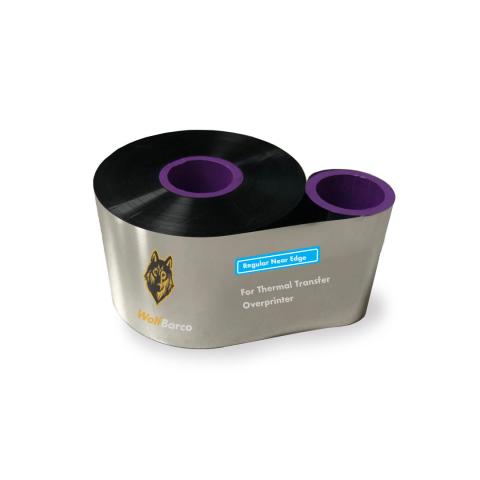
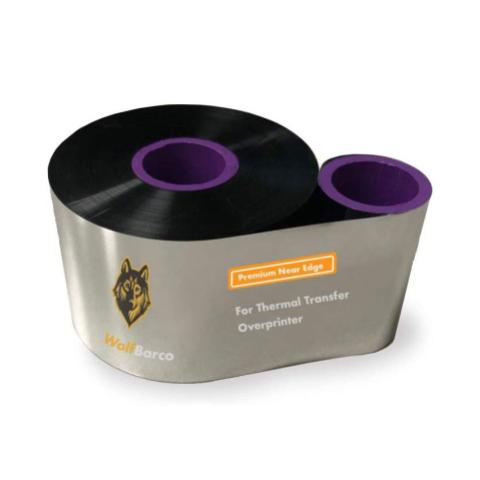
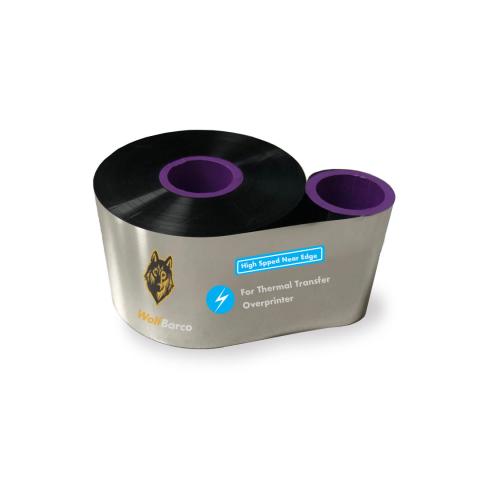
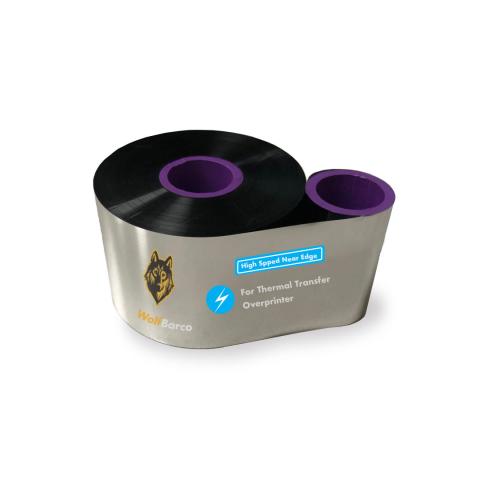
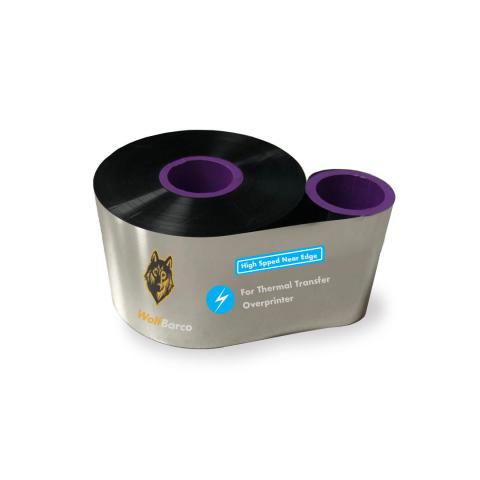
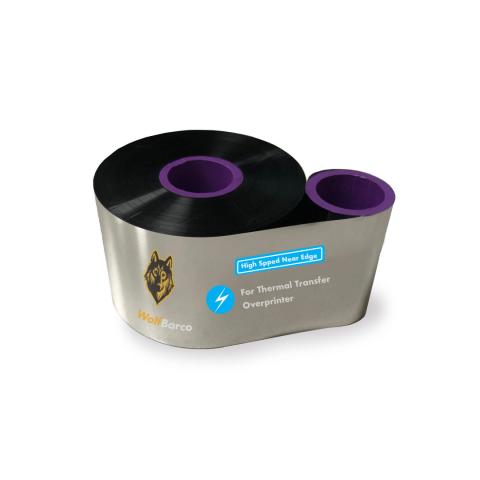
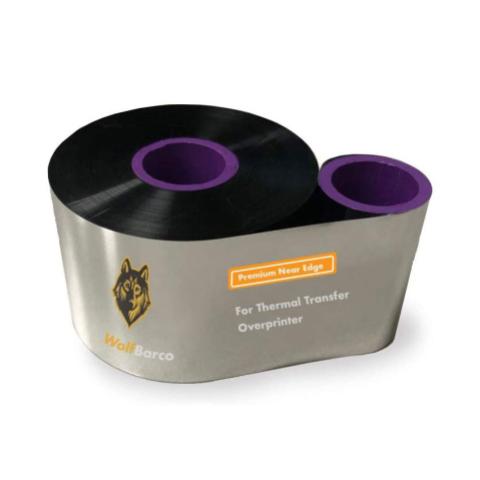
Thermal Transfer Ribbon Supplies for Bell-Mark EasyPrintIII Thermal Printer Printer
Ribbon
FAQ for Bell-Mark EasyPrintIII Thermal Printer Ribbons
What ribbon sizes are compatible with Bell-Mark EasyPrintIII?
What ribbon sizes are compatible with Bell-Mark EasyPrintIII?
The Bell-Mark EasyPrintIII accepts ribbon widths from 2.1" , 5.0" (55.3mm, 130mm). Choose a ribbon at least 0.5" wider than your labels for optimal coverage.
What types of ribbons work with Bell-Mark EasyPrintIII?
What types of ribbons work with Bell-Mark EasyPrintIII?
The Bell-Mark EasyPrintIII supports four ribbon types:
- Wax: Most economical. Best for paper labels and indoor use.
- Resin-Enhanced Wax: Moisture-resistant for longer-lasting prints with better resistance to abrasion. Can print on both paper and synthetic material.
- Wax-Resin: Better durability and scratch resistance. Good for synthetic labels.
- Resin: Maximum durability for harsh environments and polyester labels.
Choose based on your label material and durability needs.
How do I calibrate the Bell-Mark EasyPrintIII?
How do I calibrate the Bell-Mark EasyPrintIII?
If your Bell-Mark EasyPrintIII is skipping labels or printing incorrectly, calibration is needed:
- Turn off the printer
- Press and hold FEED button while turning on
- Wait for the status light to flash
- Release - the printer will feed labels to calibrate
This teaches the printer to detect label size and gaps. Calibrate when changing label sizes.
I am unsure what to choose.
I am unsure what to choose.
Contact us for help selecting the best compatible ribbon for your print application. Please let us know the following information so we can provide an informed answer.
- Printer brand and model
- How will the label be used, indoor or outdoor?
- Exposure to extreme environments, such as freezing temperature, oil and chemicals?